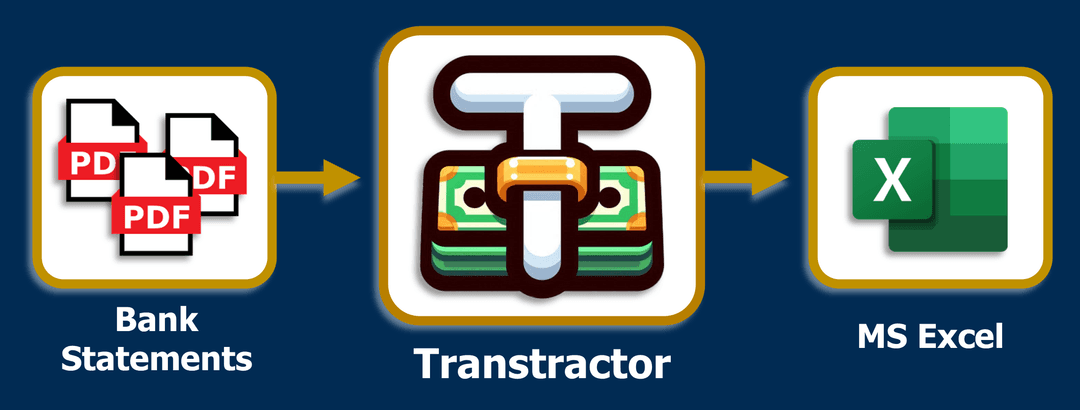
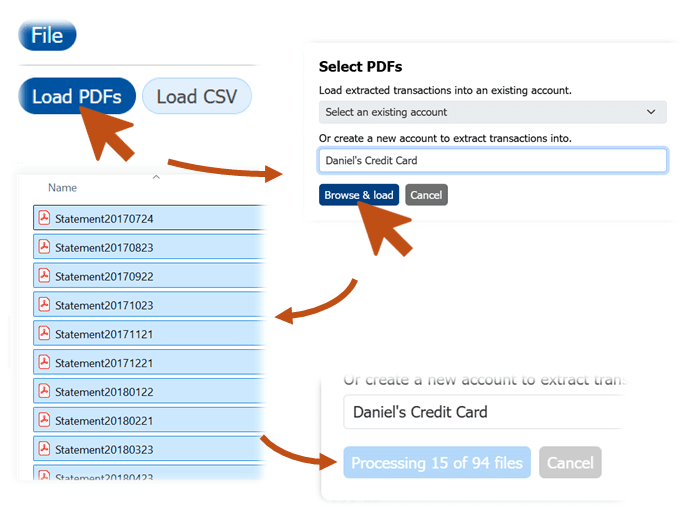
Load PDF Bank Statements
Bulk-load your statements one account at a time. The Transtractor's embedded PDF parser will automatically extract and merge your transaction history across files. All data is stored securely inside your browser's memory.
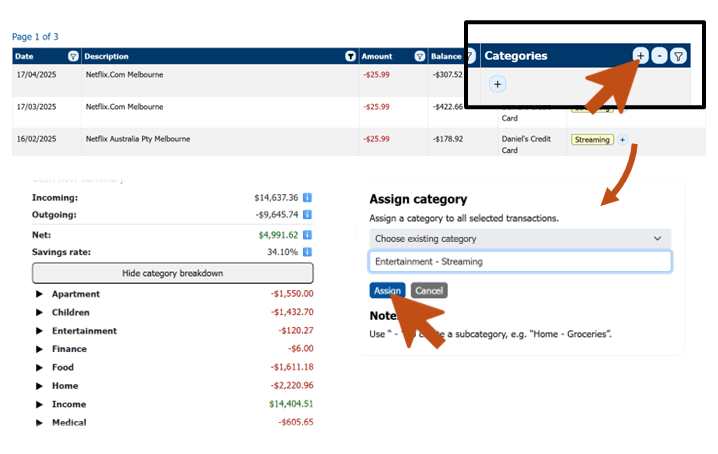
Categorise your Transactions
Quickly tag transactions with custom categories using an intuitive spreadsheet-style interface. The Transtractor tracks your cashflow in real time, organised by category
Visualise Your Financial History
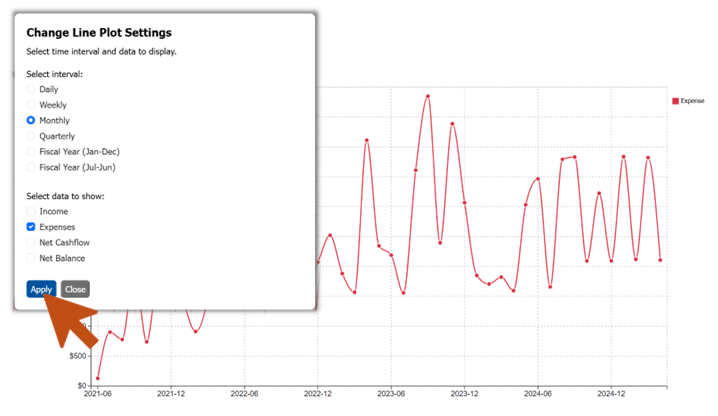
Visualise your income and spending trends across a selected time interval. Apply filters to tailor your analysis to what matters most.
Build your own Workflows
Check out the Transtractor on GitHub, PyPI and Read the Docs. The open-source Python/Rust implementation allows you to build custom financial workflows.